
Computer System Process
1. The Basic Cycle
A computer system works through one simple cycle every time it does a job.
INPUT
Data and instructions entered
↓
PROCESSING
CPU works on the data
↓
OUTPUT
Processed information presented
Key Idea: Every computer task follows INPUT → PROCESSING → OUTPUT, no matter how complex the task looks.
2. Input Devices
Hardware used to enter data or instructions into the computer.
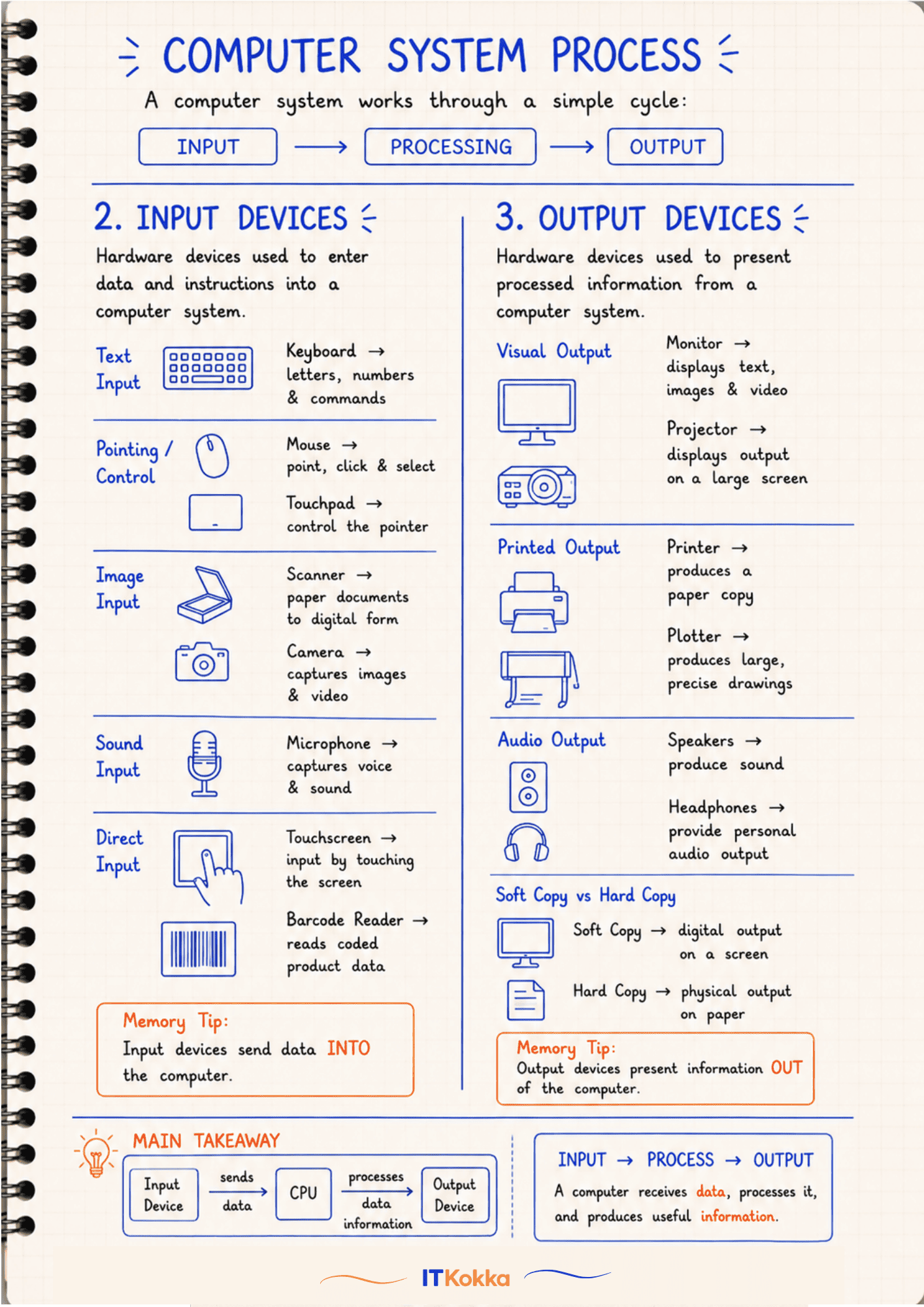
- Text Input: Keyboard, letters, numbers & commands
- Pointing/Control: Mouse, point, click & select; Touchpad, control the pointer
- Image Input: Scanner, converts paper documents to digital form; Camera, captures images & video
- Sound Input: Microphone, captures voice & sound
- Direct Input: Touchscreen, input by touching the screen; Barcode Reader, reads coded product data
Memory Tip: Input devices send data INTO the computer.
3. Output Devices
Hardware used to present processed information from the computer.
- Visual Output: Monitor, displays text, images & video; Projector, displays output on a large screen
- Printed Output: Printer, produces a paper copy; Plotter, produces large, precise drawings
- Audio Output: Speakers, produce sound; Headphones, provide personal audio output
Soft Copy vs Hard Copy
- Soft Copy, digital output shown on a screen
- Hard Copy, physical output printed on paper
Memory Tip: Output devices present information OUT of the computer.
4. Main Takeaway
INPUT DEVICE
Sends data
↓
CPU
Processes the data
↓
OUTPUT DEVICE
Gives information
A computer receives data, processes it, and produces useful information.
Summary
- Every computer task follows Input → Processing → Output
- Input devices send data into the computer: keyboard, mouse, scanner, microphone, touchscreen, barcode reader
- Output devices present information from the computer: monitor, printer, speakers, projector, plotter
- Soft copy is digital, hard copy is printed