
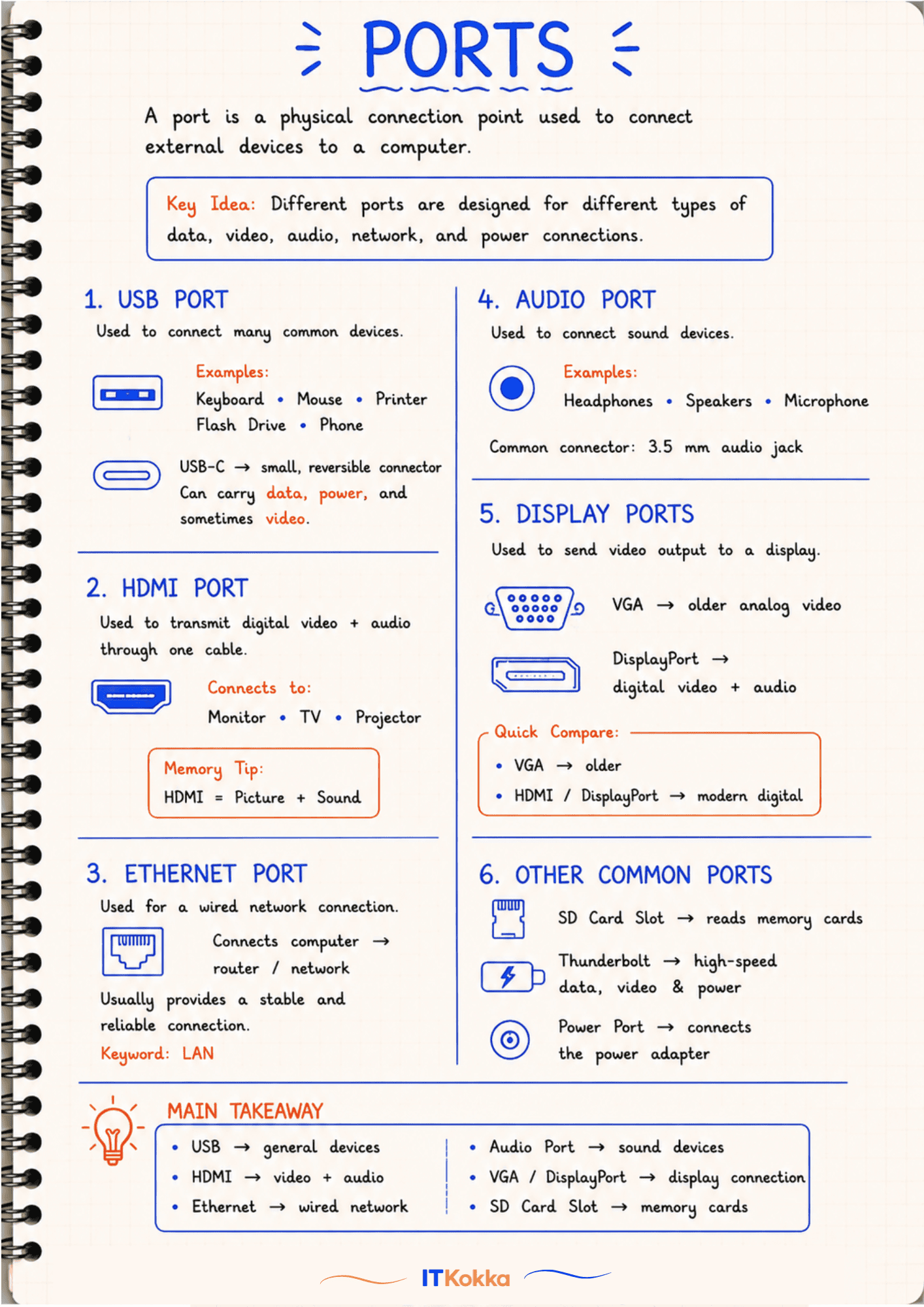
Computer Ports
A port is a physical connection point used to connect external devices to a computer.
Key Idea: Different ports are designed for different types of data, video, audio, network, and power connections.
1. USB Port
Used to connect many common devices.
ExamplesKeyboard, Mouse, Printer, Flash Drive, Phone
USB-C is a small, reversible connector. It can carry data, power, and sometimes video.
2. HDMI Port
Transmits digital video + audio through one cable. Connects to Monitor, TV, Projector.
Key Idea: HDMI = Picture + Sound.
3. Ethernet Port
Used for a wired network connection. Connects the computer to a router/network, giving a stable and reliable connection.
Keyword: LAN
4. Audio Port
Used to connect sound devices.
ExamplesHeadphones, Speakers, Microphone
Common connector: 3.5mm audio jack
5. Display Ports
Used to send video output to a display.
- VGA, older analog video
- DisplayPort, digital video + audio
Key Idea: VGA is older, HDMI/DisplayPort are modern digital connections.
6. Other Common Ports
- SD Card Slot, reads memory cards
- Thunderbolt, high-speed data, video and power
- Power Port, connects the power adapter
Summary
- USB → general devices
- HDMI → video + audio
- Ethernet → wired network
- Audio Port → sound devices
- VGA/DisplayPort → display connection
- SD Card Slot → memory cards
Remember: Each port is built for a specific job, matching the connector shape to the device type is the fastest way to identify a port in an exam question.